
Day 8 Unlocks Free Trash Goblin Darryl
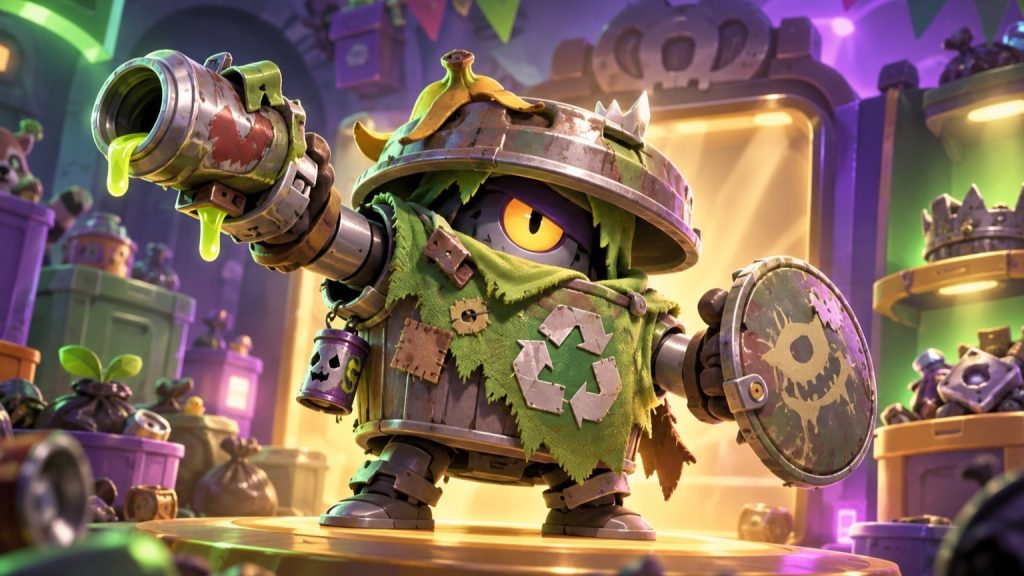
Trash Goblin Darryl is available as the free Day 8 reward in the Brawl Stars x Duolingo community event. The claim uses the in-game Store and depends on selecting the correct one of two Featured Coin Offers. According to a September 26 guide from SportsDunia, players should choose the left-hand offer written in Japanese and leave the right-hand banner alone. The official event page lists the skin among the collaboration rewards and says the event runs through September 30.
The two-offer layout is the detail most likely to cause a mistake. Both Featured Coin Offers use Japanese-themed presentation, but the guide distinguishes them by their actual wording. The left offer is written in Japanese. The right banner displays the phrase “in Japanese.” Selecting the left offer triggers the free skin claim, while taking both offers is not the required solution.
This makes the Day 8 task different from a normal shop giveaway with one obvious button. The reward is attached to a small visual puzzle inside the Store. Players should pause on the featured section, compare the two banners and select only the left-hand option identified by the guide. The skin unlock follows that correct choice.
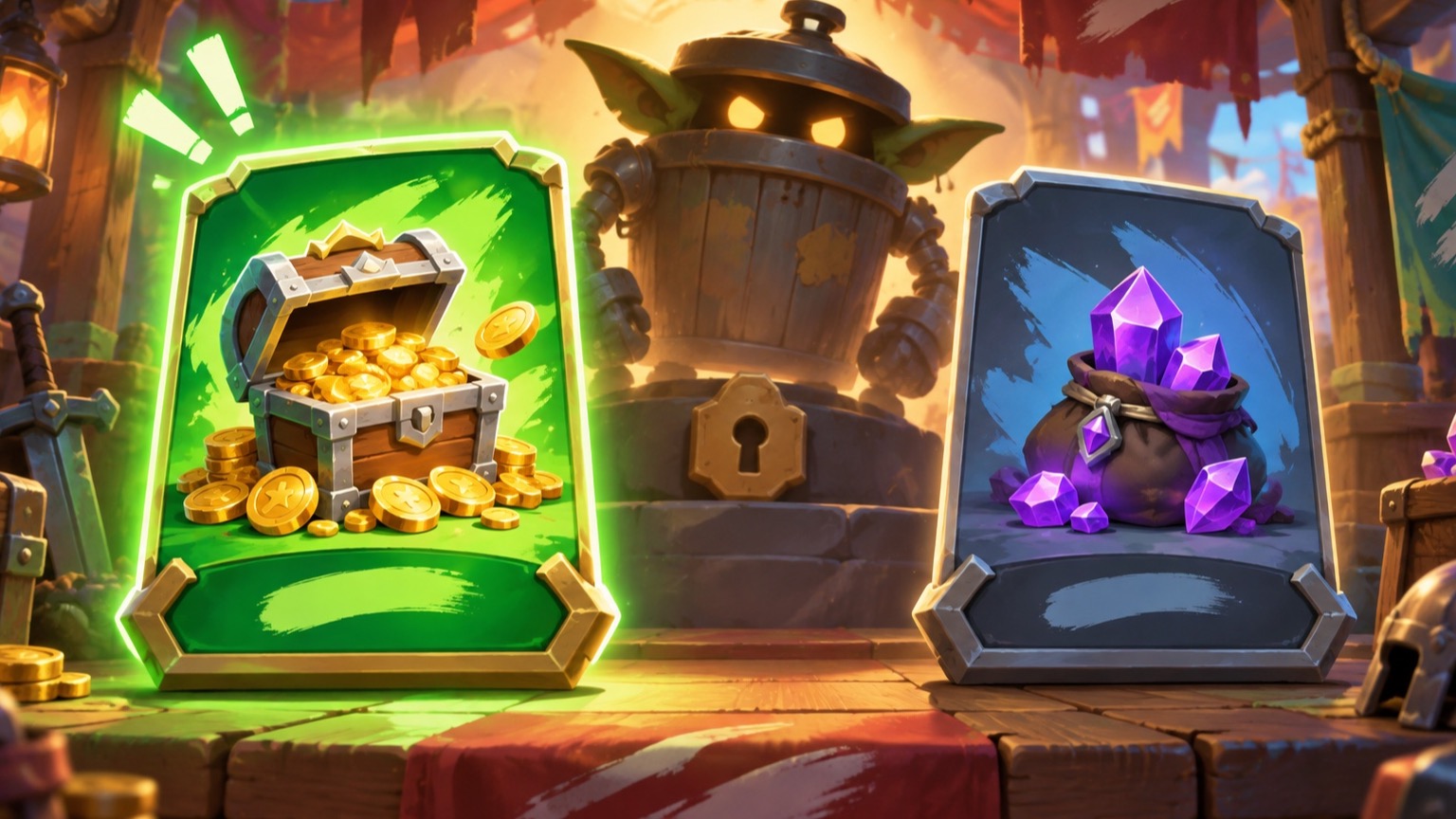
The left featured offer is the key
Start inside Brawl Stars and open the Store. Find the pair of Featured Coin Offers and check their placement before tapping. The correct offer sits on the left and carries real Japanese writing. The decoy on the right uses the English phrase “in Japanese,” so its appearance is part of the challenge.
The report specifically warns against claiming both. That instruction turns the order into more than cosmetic guidance: the player should make one deliberate selection. After the left offer is accepted, Trash Goblin Darryl becomes the reward. Anyone who sees a different arrangement should compare the current in-game Store with the dated guide before acting, since live shop layouts can change.
The official collaboration page gives the broader context. Brawl Stars and Duolingo divided the event into classroom and detention phases, with community objectives and rewards released through the event cycle. Trash Goblin Darryl is the featured cosmetic at the end of that progression. The September 30 end date defines the outer window, while the Day 8 guide provides the immediate store instructions.
Players returning after the announcement should rely on what is visible in their own Store. If the featured pair has disappeared, the dated instructions may no longer match the live offer. If both banners are present, the left-versus-right distinction supplies the necessary check without requiring an external link inside the game.
What to check before tapping
The safest approach is to identify all three details at once: Featured Coin Offers, left-hand placement and actual Japanese script. A banner that merely contains the English phrase “in Japanese” is the right-side option described by the guide and should be ignored for this reward. That visual comparison takes only a moment and protects the event solution.
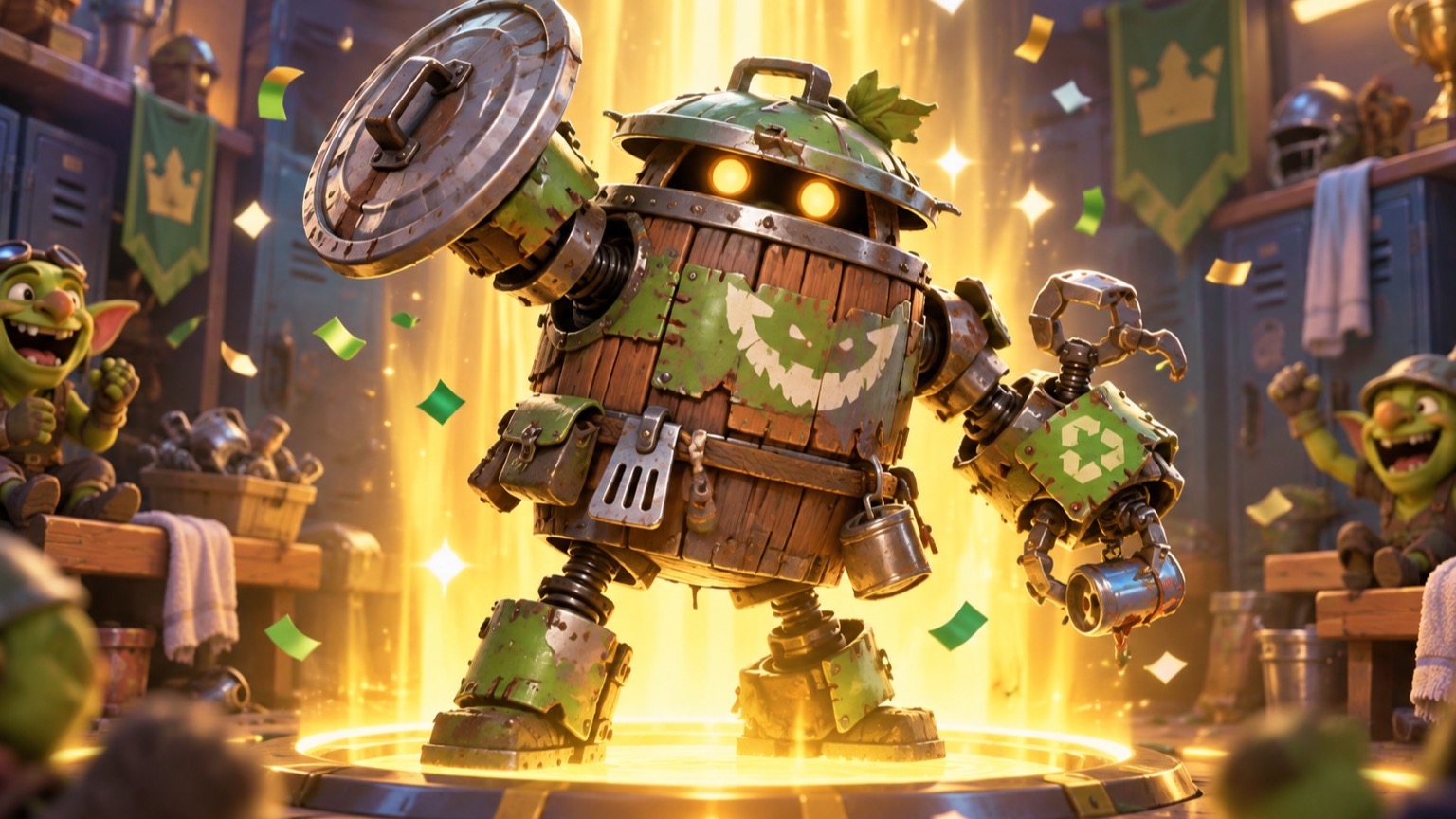
Once the correct offer is claimed, players can verify the result through the skin unlock and their Darryl cosmetics. The reward is free, and no separate purchase is described in the source steps. Keeping the instructions narrowly tied to the September 26 Store layout makes the guide useful while avoiding assumptions about later shop rotations.
- Open the in-game Store and find the two Featured Coin Offers.
- Choose the left offer written in actual Japanese.
- Ignore the right banner that says “in Japanese” and verify the skin unlock.
| Store element | Required action |
|---|---|
| Featured offers | Locate the pair of Coin Offers |
| Left-hand offer | Select the banner written in Japanese |
| Right-hand offer | Leave the “in Japanese” banner unclaimed |
| Reward check | Confirm Trash Goblin Darryl unlocked |
Day 8 turns the Trash Goblin Darryl reward into a simple shop puzzle. The correct path is the left Featured Coin Offer written in Japanese; the right banner that says “in Japanese” is the option to ignore. Players should make that one deliberate choice and confirm the cosmetic unlock afterward. The collaboration remains scheduled through September 30, but the instructions are tied to the September 26 Store layout, so a later visitor should always compare the guide with the live shop.